Stage 01
Capture
Boot a reference machine over the network and take its disk as a master image. Nothing is installed on the machine to do it, and nothing is left behind afterwards.
Blue View Imaging captures one machine's disk over the network and writes it to as many others as you need. No agent to preinstall, no USB stick to carry room to room, no per-seat licence.
Built for K-12 schoolsHigher educationHealthcareGovernmentManufacturingLibrariesManaged service providers
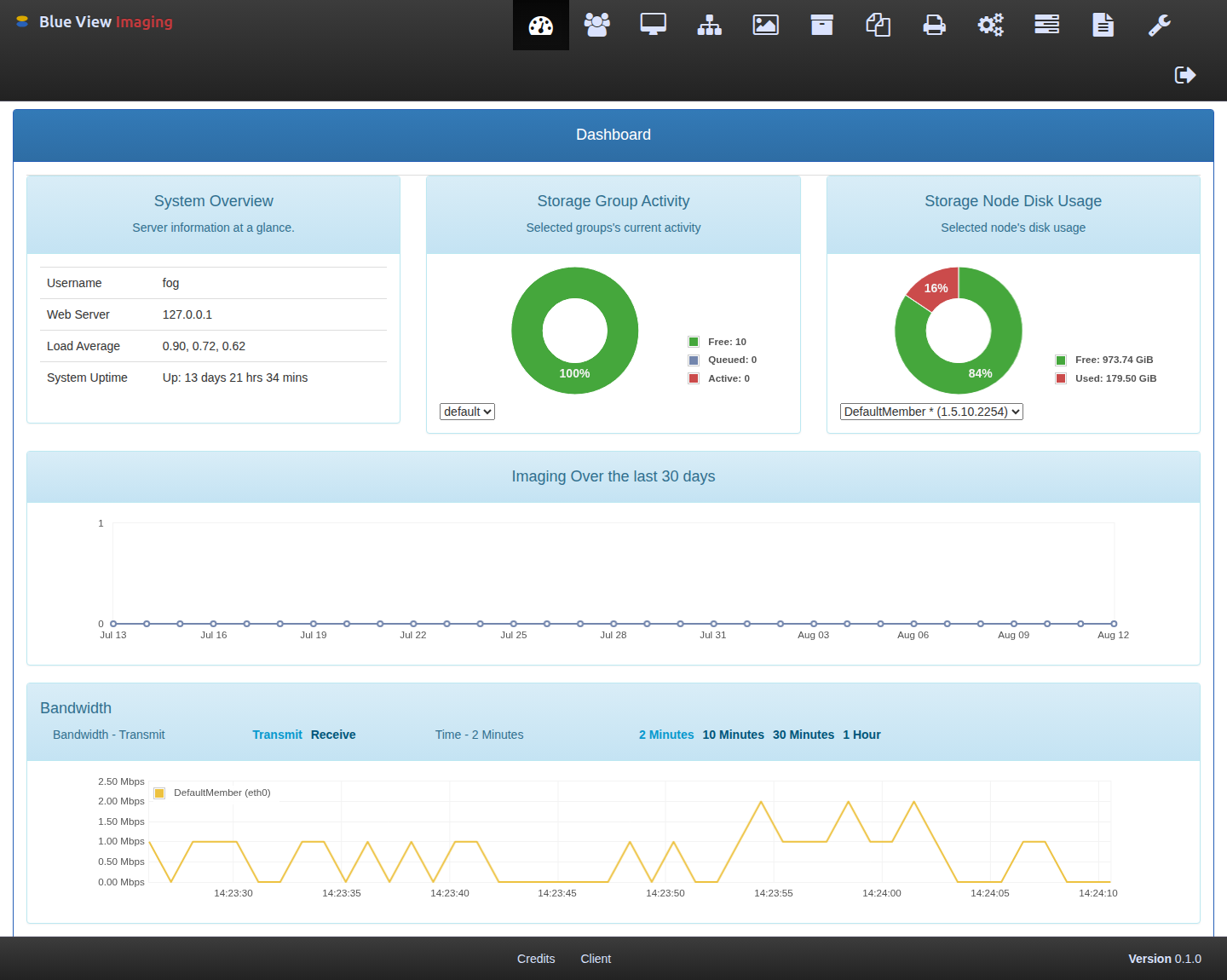
The same five stages, whether it is one laptop or a thousand.
Boot a reference machine over the network and take its disk as a master image. Nothing is installed on the machine to do it, and nothing is left behind afterwards.
Send that image to one machine or a room full of them. Multicast writes the same image to many machines in about the time one would take on its own.
Register hosts, schedule imaging and maintenance windows, and push software packages to machines once they are up and on the network.
The console carries your organization's name, mark, and colors. It is configuration rather than a custom build, so upgrades stay ordinary.
Your server, your storage, your images. Nothing leaves the building, and the source comes with the software.
A machine with no operating system on it can still be told what to become. That is the whole trick, and it is older than the cloud.
It is your server, your storage, and your images. Nothing leaves the building, and nothing depends on a vendor's cloud staying up.
The console carries your organization's name, mark, and colors. Configuration, not a custom build -- so upgrades stay ordinary.
Built on FOG Project and licensed GPLv3. You can read every line, and the source comes with the software.
An imaging server often sits on an isolated VLAN. This one expects that, down to documentation that ships alongside it.
Tell us what you are running today and roughly how many machines. We will tell you honestly whether this fits.
Blue View Imaging is a commercial distribution of FOG Project, licensed under the GNU General Public License v3. The engine underneath is open, auditable, and not going anywhere — and anyone we ship software to receives its source. Blue View is not affiliated with, endorsed by, or sponsored by the FOG Project.